
The Nintendo Switch 2 Hack That Will Improve Download Speeds
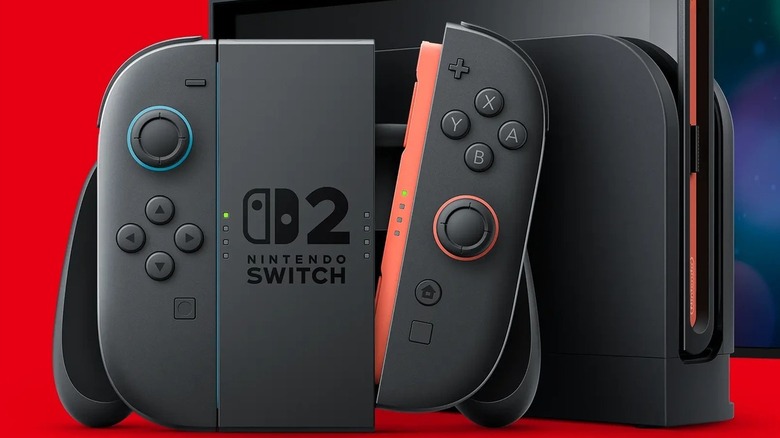
Since its launch in June 2025, the Nintendo Switch 2 has had some issues that players have observed. For starters, the price of Nintendo Switch 2 games are significantly higher than those of previous Nintendo consoles. Also, compared to the PlayStation 5 and Xbox Series X|S, the Nintendo Switch 2 doesn't quite have the same download speed as its counterparts. This difference was apparent for the original Nintendo Switch as well, which has a noticeably slower download speed than the PlayStation 4 and Xbox One. Fortunately, just as with the original Switch, there are ways to work around these slow download speeds for your Nintendo Switch 2.
The trick to getting better download speeds on your Nintendo Switch 2 is playing around with the console settings, a simple and perfectly legal way to optimize the Switch 2's online performance. Both versions of the Nintendo Switch have default settings that directly impact download speeds, specifically tied to its maximum transmission unit (MTU). Like the Nintendo Switch, the Nintendo Switch 2 maintains a default setting of 1400 MTU for its online performance. This can be manually increased to 1500 MTU in the settings for increased download speeds.
A step-by-step guide to increasing your Nintendo Switch 2 download speeds
To set your Nintendo Switch 2's MTU to 1500, you'll need to open System Settings on the home menu, select Internet, go to Internet Settings, then Change Settings, and then select MTU, where you'll be able to adjust the value. However, while 1500 MTU is pretty standard these days, you should keep in mind that individual routers have their own MTU capacities, so please check to see if a 1500 MTU is possible for your internet router. Beyond the MTU bandwidth, there is another default setting for the Nintendo Switch 2 that can be adjusted for increased download speeds.
The Switch 2 supports Internet Protocol version 6 (IPv6), a relatively new online standard for recognizing online devices. However, this means that the console might not automatically connect to and maintain the fastest wireless signals. Fortunately, like the MTU, IPv6 functionality can be toggled on and off via Internet Settings. If download speeds and general online performance is an issue for your Switch 2, it is recommended to turn IPv6 off. If the need ever arises, both the MTU and IPv6 default settings can be restored. Now, if only Nintendo would continue its Nintendo Switch Online expansion to include more GameCube titles, we'd be golden.