
GTA 6: How To Save The Game

The first few hours of "Grand Theft Auto 6" are dazzling and dizzying. The game introduces players to a slew of mechanics and side activities: One moment you're in a high speed car chase, and the next you're learning how to put shingles on a roof. The game also does a great job of walking players through the intricacies of gunplay, driving, and side activities, but some basic video game functions like how to save the game can get lost in the flurry.
Saving the game in "GTA 6" doesn't require going to a safehouse or navigating through a cell phone menu like it has in previous games. Instead, players can save from the "Game" tab in the pause menu whenever they want ... almost. During most missions, the game restricts saving. Outside of missions, though, players have access to 15 different save slots. The good news is that if you forget to regularly save your game, "GTA 6" does have an autosave feature.
How does autosave work in GTA 6
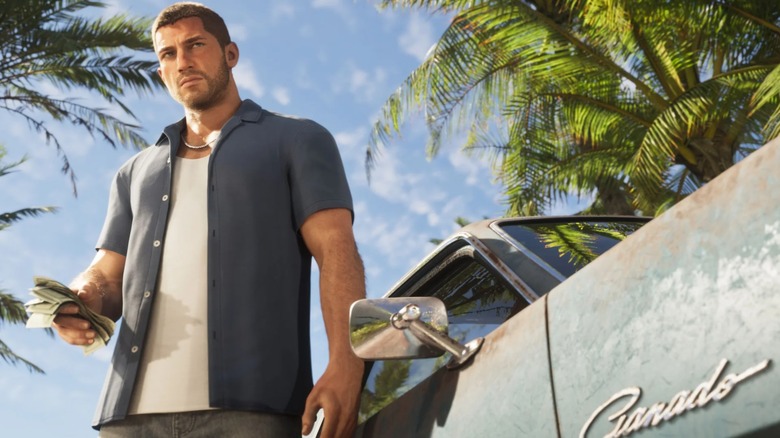
For the most part, players don't need to worry about saving in "GTA 6." The game takes care of all the heavy lifting for them. "GTA 6" autosaves after most activities and major interactions, and players can spot the autosave as a spinning white circle in the bottom right-hand corner of the screen. It's worth noting that reloading a previous manual save file also deletes the current autosave file.
Just like with cheat codes in "GTA 6," the save system offers some slight improvements to what we've had in previous games. Being able to use it from the pause menu means that players don't have to waste time scrolling through their in-game cell phone, and the constant autosaving means that the whole process can become an afterthought anyway. That lets players fully focus on finding the best location in the "GTA 6" map and completing every side activity that Leonida has to offer.